
Xezalimorux
System Functions

What Xezalimorux Provides: Tools and Functions

Each function within Xezalimorux serves a specific purpose within the broader information-organisation workflow. This page explains what each capability does and how it contributes to the overall review experience.

An Overview

Capabilities designed for structured information engagement

Xezalimorux is built around four core functions. Together, they create an environment where prepared information is consistently presented, logically navigable, and supported by a responsive team.

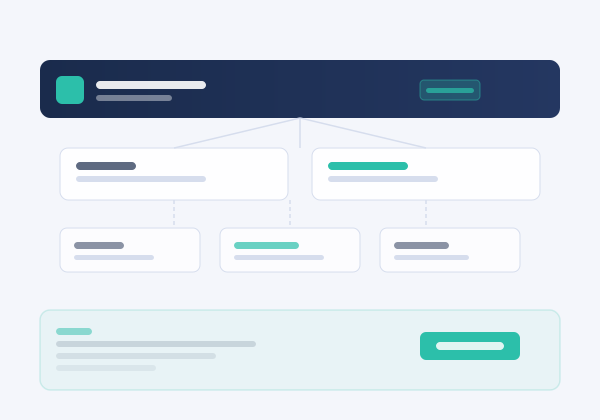
Grid representation of Xezalimorux tools and functions for information review and classification
In Detail

Each function, explained

Function 01

Structured Data Review

The structured data review function presents information in an organised, navigable format. Rather than exposing raw content, the system arranges data into logical groupings that correspond to the classification applied during the preparation stage. Users can scroll, filter, and step through records within their assigned context, reviewing each item in relation to its position within the larger organised set.

The review environment is designed to minimise distraction and support focused engagement with the content. Each record is displayed with its classification attributes clearly visible alongside the content itself.

Function 02

AI-Assisted Classification

Xezalimorux applies an AI-assisted classification process to information before it is made available for review. This process assigns descriptive labels, category memberships, and relational groupings that enable the interface to present coherent sets of content rather than isolated records.

Classification is performed on the prepared data and reflects patterns and attributes that the system identifies within that data. The resulting labels are descriptive, not evaluative. They are intended to support navigation and do not constitute an independent assessment of the quality, accuracy, or significance of the information involved.

Function 03

Guided Navigation and Filtering

The navigation function within Xezalimorux allows users to move through the organised information system in a guided and purposeful way. Users can select category views, apply filters based on classification attributes, and trace relationships between related records.

Guided navigation is particularly useful when reviewing large or complex information sets, where unstructured browsing would make it difficult to locate relevant content. The interface presents navigational cues that reflect the organisational structure applied during the classification phase, allowing users to explore the system's information architecture deliberately.

Function 04

Support Team Interaction

Access to the Xezalimorux support team is a core function of the service, not an optional extra. The team assists users with understanding the system's information architecture, clarifying how specific classifications have been applied, and responding to questions that arise during the review process.

Support interaction takes place through the enquiry channel. Users may submit questions at any stage of the review process. The team aims to respond with relevant guidance, though it cannot supplement the system's content with externally sourced information or provide professional advice beyond the scope of the information-organisation service.

Access Process

How to begin using Xezalimorux

Access to the Xezalimorux functions described on this page requires a prior enquiry and review by the support team. The three-stage process below outlines how access is typically established.

01

Submit your enquiry

Use the Enquiry page to submit a request. Describe the nature of your information needs and the context in which you intend to use the system. Complete all required fields accurately. The form is reviewed by a member of the support team.

02

Team review and response

The support team reviews your enquiry and determines whether access is appropriate. This may involve follow-up correspondence. Access is not unconditional and is assessed individually. The team will communicate the outcome of the review through the contact details you provided.

03

Receive access guidance

If access is confirmed, the team will provide guidance on how to use the Xezalimorux interface and which functions are available to you. Ongoing support remains accessible throughout the period of your use of the system.

Interested in using these functions?

Submit an enquiry and the Xezalimorux support team will assess your request.

Submit an Enquiry